How many phone calls does it take to book a handyman job? For most businesses, too many. What if customers could book themselves in 60 seconds?
Start Free TrialScheduling handyman jobs shouldn't require multiple calls, missed connections, and frustrated customers. But that's exactly what happens without online booking.
Customer calls. You're on another job. They leave voicemail. You call back. They don't answer. You leave voicemail. Repeat. By the time you connect, they've hired someone else or lost motivation.
Every booking call takes 5-10 minutes. Multiply that by 20 jobs a week and you've lost hours that could be spent working. And that's just initial scheduling, not rescheduling or confirmations.
They book restaurants, haircuts, and doctor appointments online. Why should handyman services be harder? 67% of customers prefer booking online to avoid phone calls.
Online booking turns your website into a 24/7 scheduling assistant. Customers book, you show up, everyone saves time.
A booking form embedded on your website where customers select the service, choose a time slot, and book instantly. No phone required.
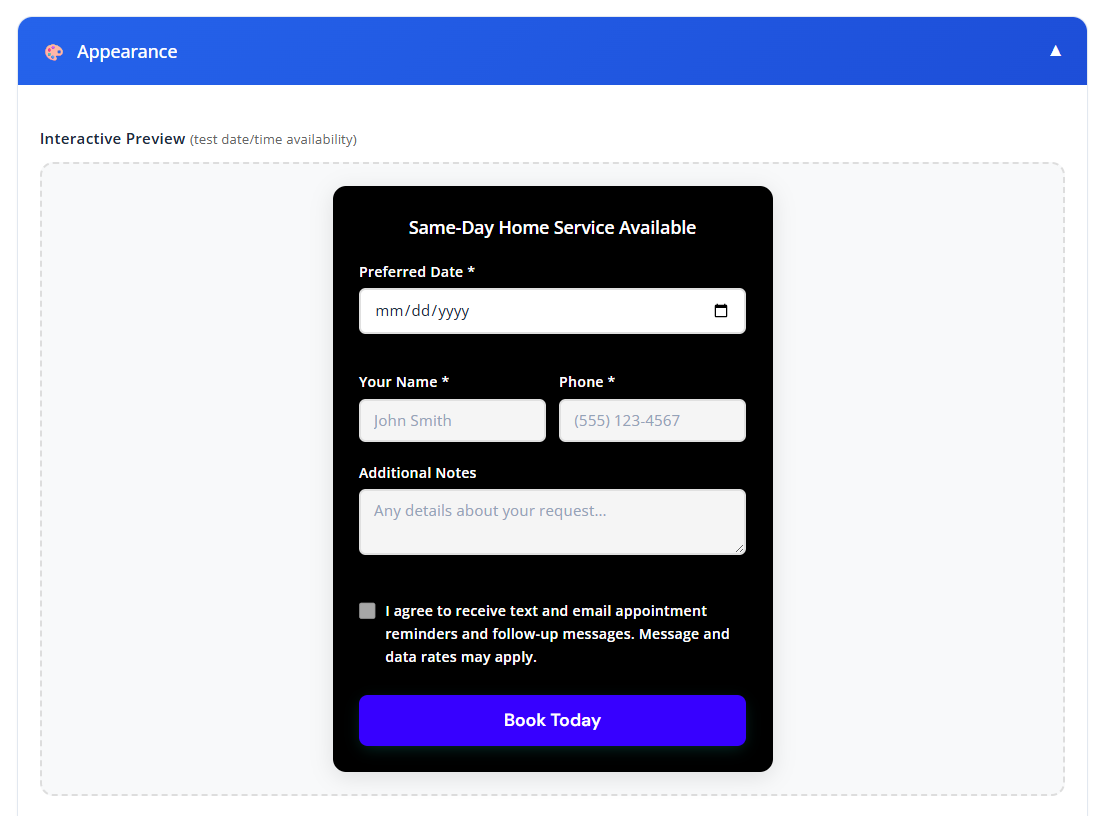
Simple for you to set up. Even simpler for customers to use.

Customers complete the booking in under 60 seconds. You get instant notification with all job details.
Less time on the phone means more time billing. Here's the math.
3.3 hours per week = 14 extra hours per month. If you bill $75/hour, that's $1,050 in extra earning potential. Plus, fewer missed calls means more jobs booked.
You control your calendar in the dashboard. Set your general availability (Monday-Friday 9 AM - 5 PM, for example), then block out specific times when you're booked or unavailable. The widget only shows open slots.
You can modify or cancel bookings from your dashboard. The customer receives an automatic notification. You can also call them directly—all contact info is saved with each booking.
Yes, if you have availability. You control the minimum booking notice. Many handymen set a 2-hour buffer so last-minute bookings don't interrupt current jobs.
The booking form collects job details. Ask for room location, description of issue, photos if needed. This helps you bring the right tools and quote accurately.
You set the default appointment length (1 hour, 2 hours, etc.). For jobs that might run long, you can offer multiple slot lengths (Small Job: 1 hr, Medium Job: 2 hrs, Large Job: 4 hrs).
Yes. Two-way sync with Google Calendar, Outlook, and other major calendar apps. Bookings appear on your phone's calendar automatically.
Free trial. No credit card required. Set up in minutes.
Start Free Trial